
Play Baby Hazel Helping Time Online
Baby Hazel adores her family a lot. Today she has decided to help her family members in completing their daily chores. But she needs your guidance in completing all the activities. Can you help her? Pay heed to all the needs of Hazel so that she completes each work perfectly and her family appreciates her efforts. Enjoy happy helping time with Hazel!

Controls for Baby Hazel Helping Time
The input pattern below is read from the publisher instructions for Baby Hazel Helping Time, so it reflects how the game actually plays rather than a generic template. Baby Hazel Helping Time sits in the tap games group, which is why the primary input is mouse click / tap.
- Mouse click / Tap Point and click on desktop, or tap the same spot on a touch screen.
Publisher instructions
Device compatibility
Baby Hazel Helping Time renders in a 800 × 480 frame. That is a 5:3 aspect ratio in landscape orientation, so the practical recommendation is: best on desktop. A landscape frame fills a laptop or desktop window cleanly, and on a phone it is easiest to play with the screen rotated sideways.
| Resolution | 800 × 480 |
|---|---|
| Aspect ratio | 5:3 |
| Orientation | Landscape |
| Recommended device | Best on desktop |
| Primary input | Mouse click / Tap |
| Technology | HTML5, runs in the browser with no install |
How Baby Hazel Helping Time compares to similar games
These titles were matched on category and on shared tags rather than on popularity alone, so the table below is a genuine side-by-side of the closest games in the library to Baby Hazel Helping Time.
| Game | Category | Shared tags | Orientation | Input style |
|---|---|---|---|---|
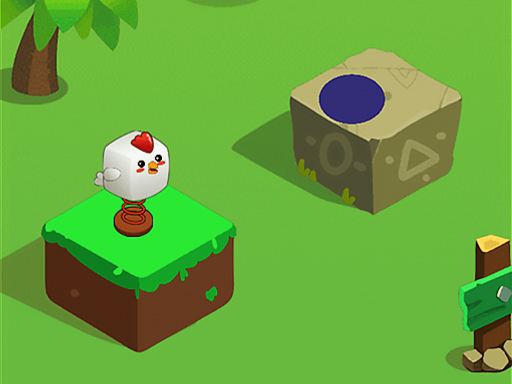 Happy Jump Happy Jump | Tap Games | Same input pace | Landscape | Mouse click / Tap |
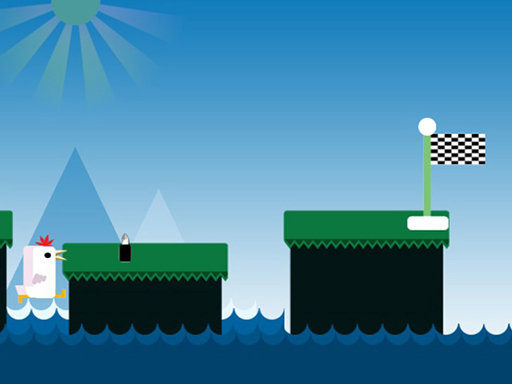 Chicken Jump : A Tap Challenge Chicken Jump : A Tap Challenge | Tap Games | Same input pace | Landscape | Single tap or click |
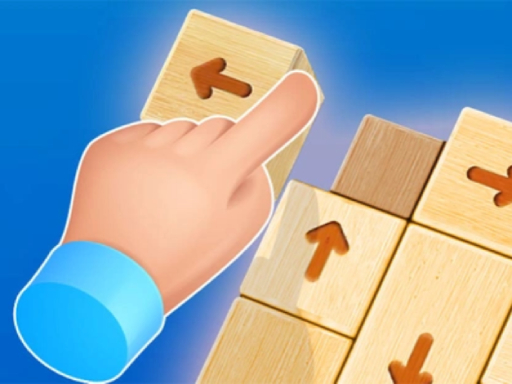 Tap It Away 3D Tap It Away 3D | Tap Games | Same input pace | Portrait | Mouse click / Tap |
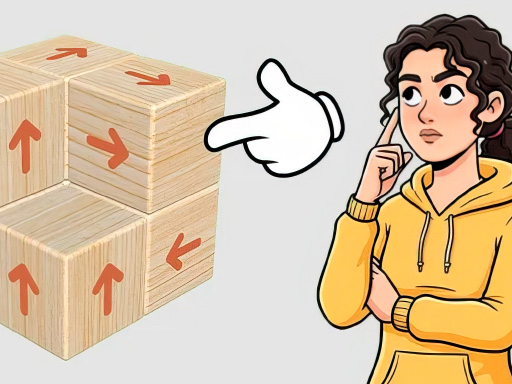 Tap Away Block Puzzle 3D Tap Away Block Puzzle 3D | Tap Games | Same input pace | Portrait | Mouse click / Tap |
 Arrow Tap Puzzle Arrow Tap Puzzle | Tap Games | Same input pace | Landscape | Arrow keys / WASD |
 Hook Pin Jam Hook Pin Jam | Tap Games | Same input pace | Landscape | Mouse click / Tap |
Why it fits the Spacebar cluster
- Fast browser start with no installation.
- Short, repeatable sessions with instant feedback.
- Strong overlap with clicker, tap, or reflex search intent.
- Works well as a next click from the core Spacebar topic.