Most browser game libraries assume a mouse or a touchscreen. This one is built around the Spacebar keyword cluster, so the obvious question is which games actually respond to the key. Across the featured picks the answer is nine titles — and they split into three clearly different input styles worth knowing before you pick one.
Group 1: pure spacebar, one action
Four games map a single verb to the spacebar. These are the ones to open if you specifically want a key-driven session.
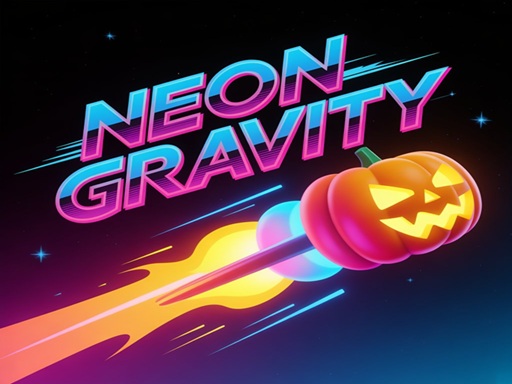
Neon Gravity — press Spacebar or left click to switch gravity. You are dodging spikes, saws, and mines while the game speeds up as your score rises, with a “Perfect” bonus for passing through the gap between rotating gears and ten unlockable skins including the Ninja and the Eye. Each press commits you to a full trajectory, so this rewards planning two obstacles ahead rather than fast reactions.
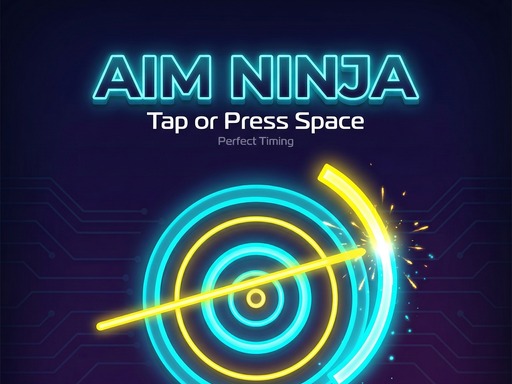
Aim Ninja — click, tap, or press the spacebar to stop a moving needle at the right moment. This is the most precise key input in the library: one press per attempt, graded purely on timing. Because there is no aiming and no movement, it is also the best game here for testing whether a keyboard feels better than a mouse to you.
Jump Dash — Tap or Space to jump through a rhythm platformer packed with spikes, traps, and obstacles where every move must be timed. Runs are fast and restarts are quick, which makes it good for building a timing habit rather than grinding a score.
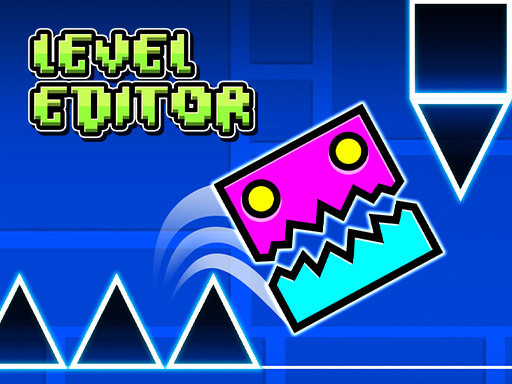
Wave Dash : Geometry Arrow — Tap or Space steers an arrow through tight corridors in time with the music. It also ships a level editor for building and sharing routes, plus ranks and speed runs, so it has the longest tail of the four.
All four are tap-not-hold games. If a jump ever feels like it double-fires, you are holding the key long enough for the operating system’s auto-repeat to kick in — release fully between presses.
Group 2: spacebar plus movement keys
Obby Toilet Line is the only game here with a full keyboard layout, and the only local two-player option:
| Action | Player 1 | Player 2 |
|---|---|---|
| Move | WASD | Arrow keys |
| Jump / line skip | Space | L (jump), K (line skip) |
| Interact | E | K |
| Hit bugs | F | L |
| Sprint | Shift | J |
The premise is an idle-style progression built into a queue: around 30 characters are already waiting in a gas station restroom line, and the position you are standing in determines how much you earn. So the spacebar here is doing double duty — jumping and skipping up the line — which makes it the most economically meaningful key press in the library.
Group 3: WASD and arrow-key movement, mouse for menus
Three management and simulation titles use the keyboard for walking around, with the mouse for buttons.
My Arcade Center — WASD or arrow keys to move, or drag with the left mouse button. You earn tokens by day and upgrade machines by night, hiring staff, using coin bots, handling freeloaders and vandals, and optimising layouts across nine handcrafted maps. Keyboard movement is meaningfully faster than mouse dragging once you are running a circuit between machines.
Pet Doctor Business Tycoon-Pet care game — W / A / S / D or the arrow keys to move front, back, left and right, with mouse clicks for the medical tools. You diagnose, clean wounds, check heartbeats, and perform surgeries on cats, dogs, rabbits and more, including sick, injured, and pregnant animals.
My Happy farm — W / A / S / D or the arrow keys for movement, mouse for buttons. Framed around resource management decisions: farms or crops first, expand the land or upgrade the equipment.
For all three, the walking is overhead rather than gameplay. Plan a fixed route between stations instead of chasing whichever task finished most recently, and you will clear noticeably more per session.
Group 4: keyboard-capable, key unspecified
NinjaRoof lists “keyboard or touch” without naming a key, which in practice means the common jump keys are worth trying — space first. It is an endless rooftop jumper scored on how far you get, so it belongs with the Group 1 timing games even though the binding is not documented.
The rest of the library is pointer-driven
The other 31 games take mouse or touch input. That includes the whole clicker core — Popcat Clicker, Clicker Hero, Idle Money Factory, Tiny Farm — plus the tap puzzles and the physics games. If you want to play those on a keyboard, you cannot; the input is genuinely pointer-based rather than a key in disguise.
That is not a downside for the idle games in particular, because their optimal play pattern involves very little input at all. It matters most for the reflex titles, where the choice of input device changes how consistent your timing is.
Where to start
- Want to test a keyboard or a new spacebar? Aim Ninja — one precise press, immediate feedback.
- Want a long key-driven session? Neon Gravity or Wave Dash.
- Want two people on one keyboard? Obby Toilet Line is the only option here.
- Want keyboard movement inside an idle economy? My Arcade Center.
The full set is in the game library, and the reflex category holds most of the timing-based key games.