An enormous share of browser games map exactly one action to the spacebar: jump, flip gravity, fire, stop the needle. It is the default because it is the biggest target on the keyboard and both thumbs can reach it. It is also, mechanically, the most unusual key you own — and those quirks show up in your scores.
What a keypress physically costs you
On a standard mechanical switch, a key has roughly 4 mm of total travel and actuates at about 2 mm — halfway down. Speed-oriented switches shorten both: Cherry’s MX Speed Silver actuates at about 1.2 mm with 3.4 mm of total travel. Membrane and scissor keyboards vary more, with laptop keys often under 1.5 mm of total travel.
That difference is real but small. The gap between a 2.0 mm and a 1.2 mm actuation point is well under 10 ms of finger movement for most people. It is not what separates a good run from a bad one — but it does change how a key feels to spam, because a shorter actuation point means less distance to reset before the next press.
Switch force matters more for sustained play than for reaction time. Common linear switches sit around 45 gf actuation force; heavier tactiles and clickies run 50–60 gf and have a tactile bump you must push past. Over a long session of repeated jumps, the lighter switch is measurably less tiring.
The spacebar’s two unique problems
Stabilizers. The spacebar is long enough that pressing one end would bind without help, so it rides on a wire stabilizer with two extra stems. Unlubricated stabilizers rattle, and worse, a badly stabilized spacebar can feel inconsistent depending on where you hit it. If your spacebar feels mushy near the left edge and crisp in the middle, hit the middle. It sounds trivial; it is the single most common source of a “the game didn’t register my jump” complaint that is actually a hardware issue.
Position. Because you press it with a thumb rather than a finger, your input muscle is different from the one you use for WASD or the arrow keys. Thumbs are strong but slower to cycle. For games that want fast repeated taps rather than well-timed single taps, a finger on a different key often out-performs the thumb on space.
Auto-repeat is not your friend
Hold a key down in a text field and after a delay it starts repeating. That same OS-level auto-repeat fires in the browser: a held key produces one initial keydown, then a pause of a few hundred milliseconds, then a stream of repeated keydown events at the system repeat rate.
Games that read keydown without filtering will treat those repeats as new presses. Well-built ones check the event’s repeat flag and ignore it, or track key state themselves and only act on the transition from up to down. The symptom of a game that does not: holding space produces one jump, a noticeable pause, then a machine-gun burst of jumps you did not ask for.
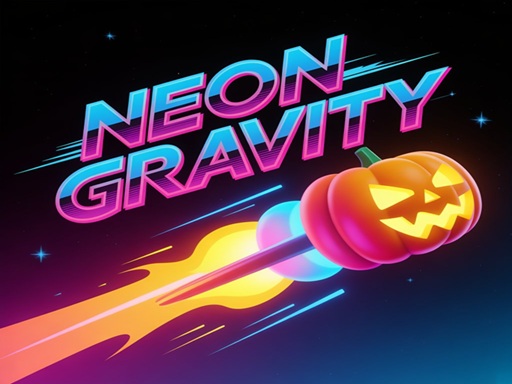
The practical rule for any space-driven game: tap, do not hold, unless the game explicitly uses hold duration. Neon Gravity is a clean example of tap-based space input — press spacebar or left click to switch gravity, and every press is a discrete decision. Holding the key there gains nothing and risks a double-flip into a saw.
Contrast that with games where hold duration is the whole mechanic, like charging a jump. There, releasing cleanly matters more than pressing quickly, and auto-repeat is irrelevant because the game is measuring the gap between keydown and keyup.
Rollover, and why it almost never matters here
Keyboards advertise N-key rollover or 6-key rollover — how many simultaneous keys register correctly. For single-input games this is a non-issue. It only becomes relevant when a game wants a movement key plus space at the same moment, and even then most modern boards handle the common combinations fine. If you find that space stops registering while you hold two direction keys, that is a rollover limit, and remapping the jump to a different key is the fix.
Games in this library that live on the key
Several titles here take spacebar input directly rather than only mouse or touch:
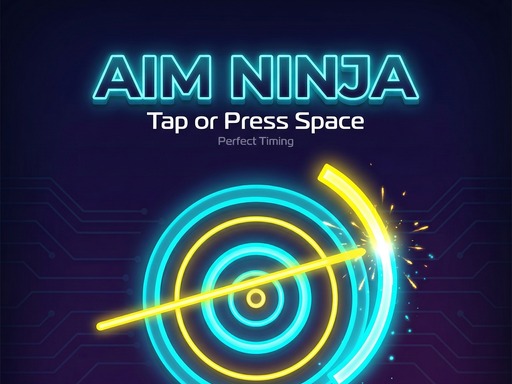
- Aim Ninja — click, tap, or press the spacebar to stop the moving needle at the right moment. A single, precise press per attempt; the fastest hand is irrelevant, the steadiest one wins.
- Neon Gravity — spacebar or left click flips gravity to dodge spikes, saws, and mines, with a bonus for threading the gap between rotating gears.
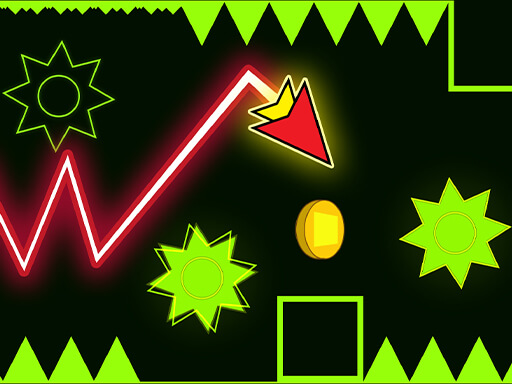
- Wave Dash : Geometry Arrow — tap or space to steer an arrow through tight corridors in time with the music, with fast restarts that make the key press itself the entire skill loop.
Setup that actually helps
- Hit the centre of the spacebar, not the ends.
- Tap rather than hold, unless the game charges on hold.
- If your board has adjustable actuation or you own both a laptop and an external keyboard, test the same game on both. The difference is usually larger than you expect, and not always in favour of the mechanical one.
- Keep your wrist off the desk edge during long reflex sessions. Thumb repetition against a hard edge is the fastest route to a sore hand in this genre.
The whole reflex category is built around single-input timing, which makes it the right place to test a keyboard setup.